Step 1
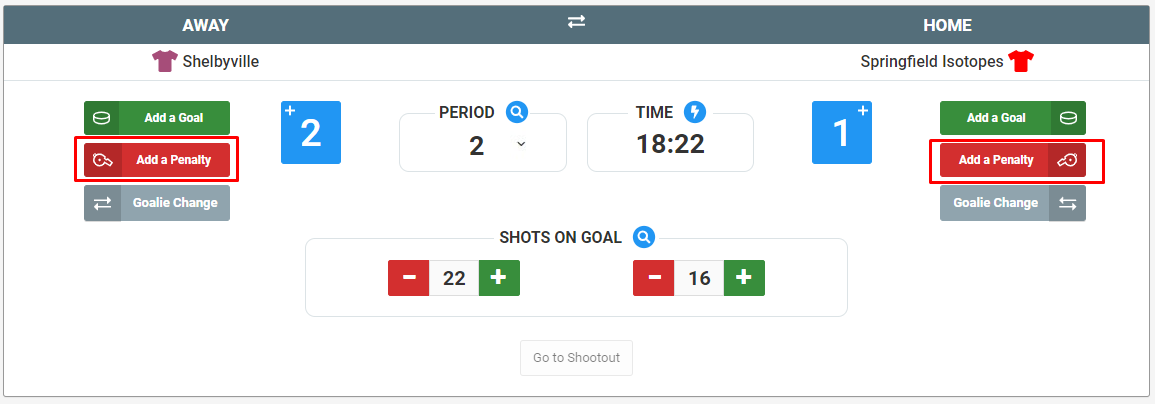
To add a penalty, select the red "Add a Penalty" button under the team you wish to enter a penalty for.
Step 2
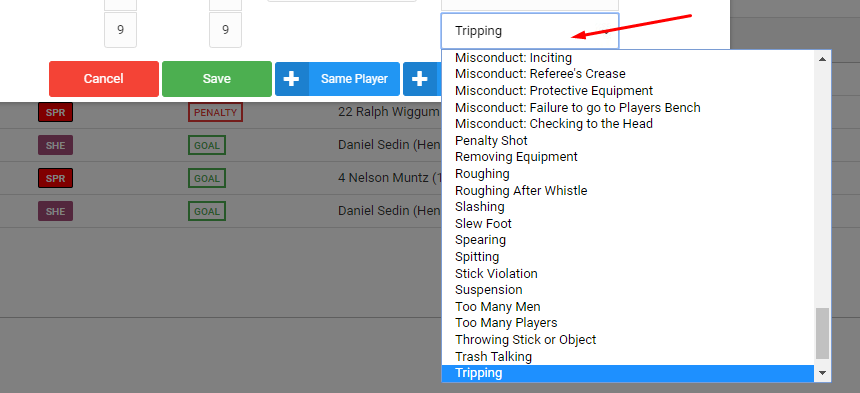
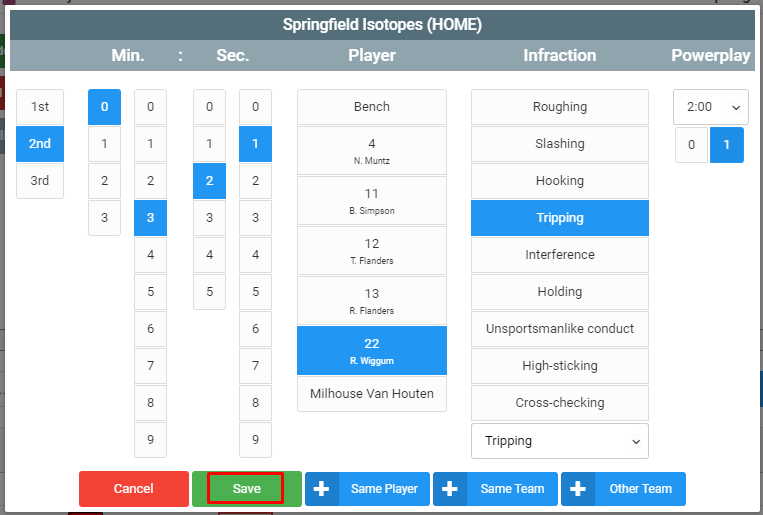
A new modal will pop up and you can fill in the details of the penalty as requested. If you don't see the infraction you are looking for, you can select the dropdown at the bottom to display an extensive list of other infractions. The most common infractions are at the top of the list.
Click Save when done. On the same modal, you can quickly add a new penalty for the same player, another penalty for the same team, or add one for the opposing team by clicking the appropriate blue button.
Was this article helpful?
That’s Great!
Thank you for your feedback
Sorry! We couldn't be helpful
Thank you for your feedback
Feedback sent
We appreciate your effort and will try to fix the article