Step 1
Login to your Administrator account and access the SMART Administration area of your account.
Step 2
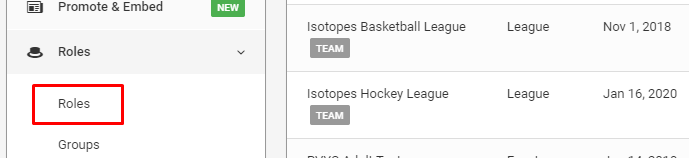
Click on Roles on the left navigation menu.
Step 3
Click Add a New Role to add a new role.

Step 4
Enter your Role Name, select the Volunteers option of the pre-selected entries in Modules. Next choose a Role Group if applicable. Click Save New Role.
RELATED ARTICLES:

Was this article helpful?
That’s Great!
Thank you for your feedback
Sorry! We couldn't be helpful
Thank you for your feedback
Feedback sent
We appreciate your effort and will try to fix the article