As a user, when he/she logs in, they can see the Prospect Camp you have set up.
Step 1
Login to your User Account if you already have one, or Create a User Account if you don't already have one.
Step 2
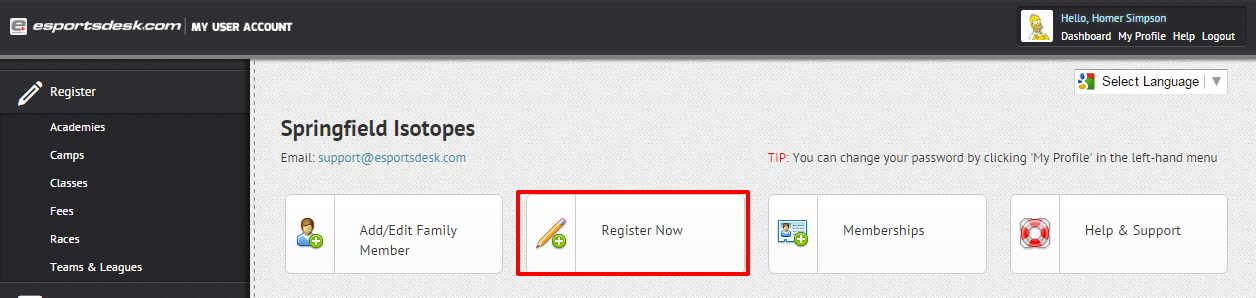
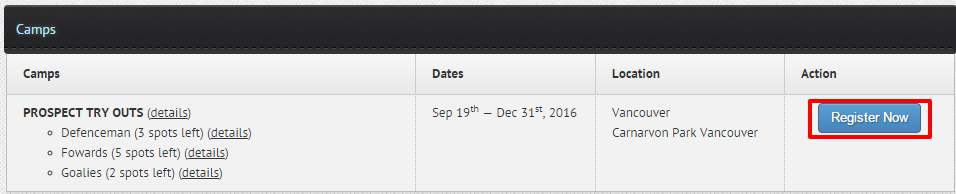
Once logged in, press Register Now then scroll down to see your Prospect Camp.
Step 3
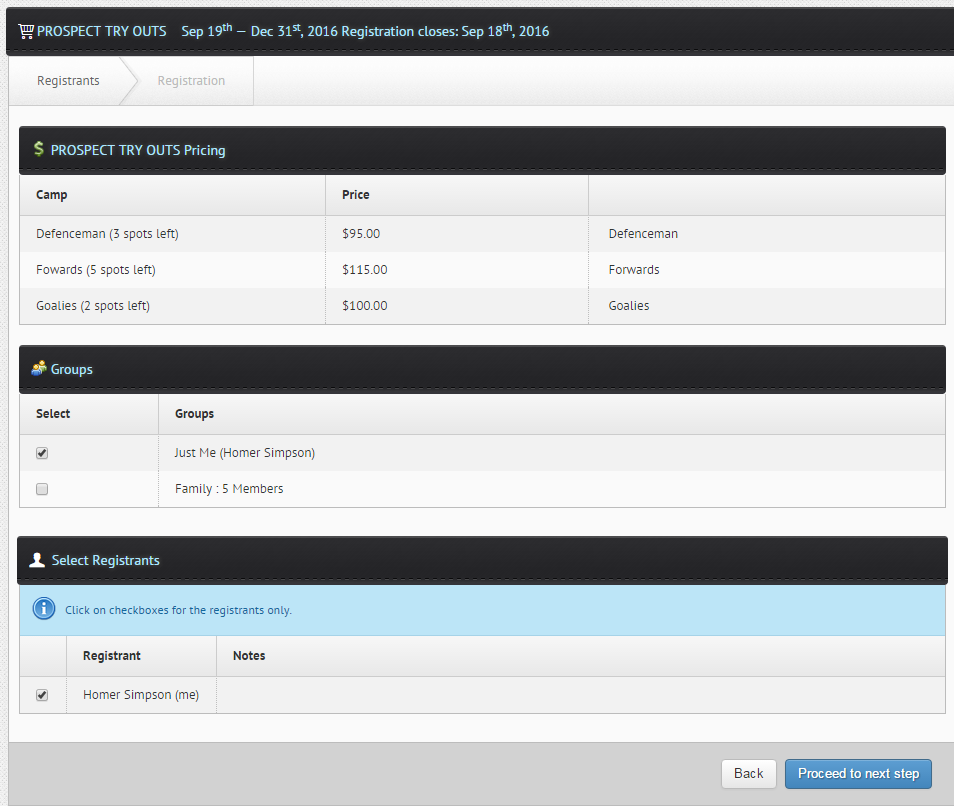
You will see your pricing and the number of spots available for the Prospect Camp and they can register accordingly.
Was this article helpful?
That’s Great!
Thank you for your feedback
Sorry! We couldn't be helpful
Thank you for your feedback
Feedback sent
We appreciate your effort and will try to fix the article