Some events may have pricing restricted by age. Here is how to register to these types of events.
Step 1
Login to your User Account if you already have one, or Create a User Account if you don't already have one.
Step 2
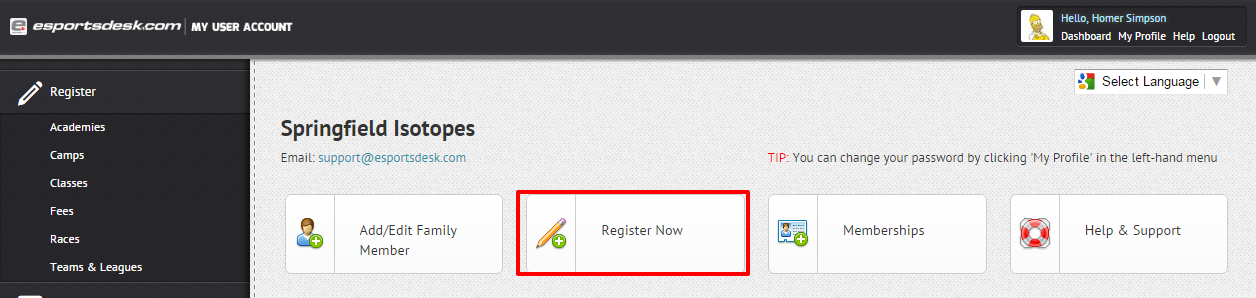
Press Register Now, then scroll down to see the event.

Step 3
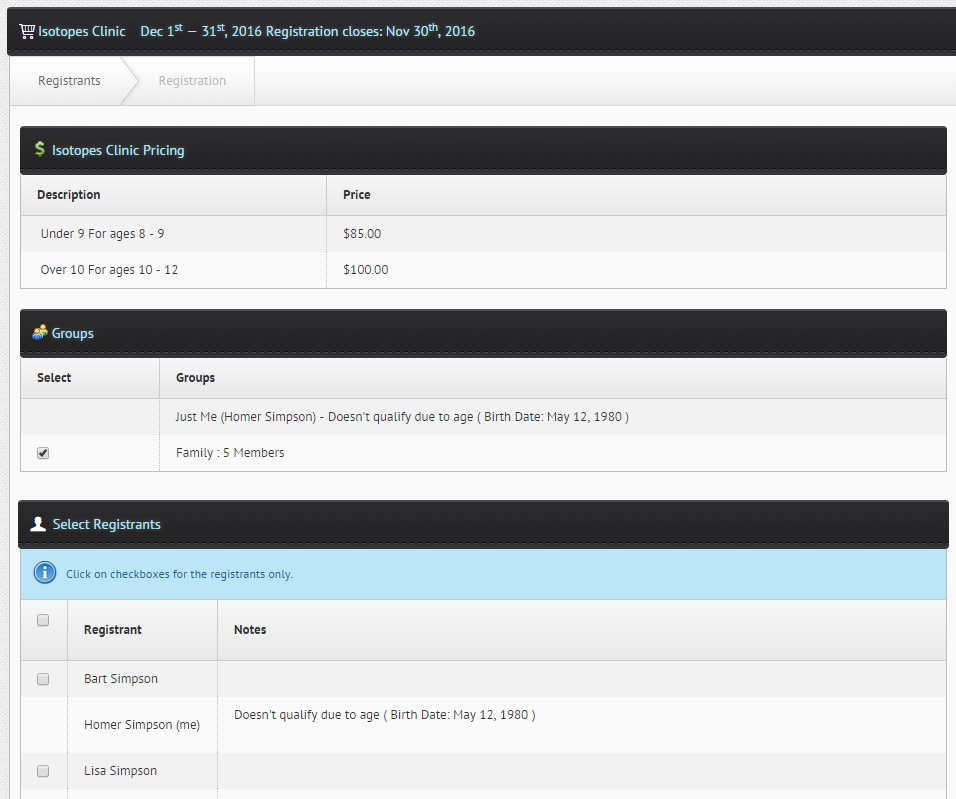
You will see your pricing and age restrictions for the clinic, and whether your family members are eligible.
Was this article helpful?
That’s Great!
Thank you for your feedback
Sorry! We couldn't be helpful
Thank you for your feedback
Feedback sent
We appreciate your effort and will try to fix the article